Launch your first Pop-Under campaign.
A step-by-step guide from sign-up to your first optimized campaign. Most advertisers are live in under 10 minutes.
1. Create your account
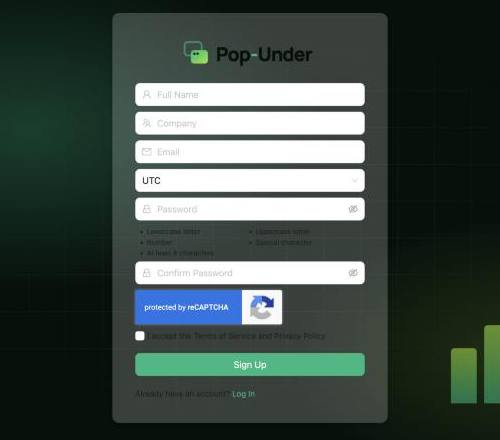
Go to app.pop-under.com/sign-up, enter your name, company and email, and verify your email address. Your dashboard opens straight away.
2. Add funds
Click Add Funds in the top bar and top up your balance. Campaigns run on a prepaid balance and spend is deducted as they deliver. Invalid traffic filtered by our systems is never charged.
3. Set up conversion tracking
Open Campaigns → Trackers and create a tracker. Copy the postback URL into your tracker or affiliate network, or add the pixel to your thank-you page. Tracking lets you see which placements convert and lets the AI optimize for real results.
4. Create the campaign
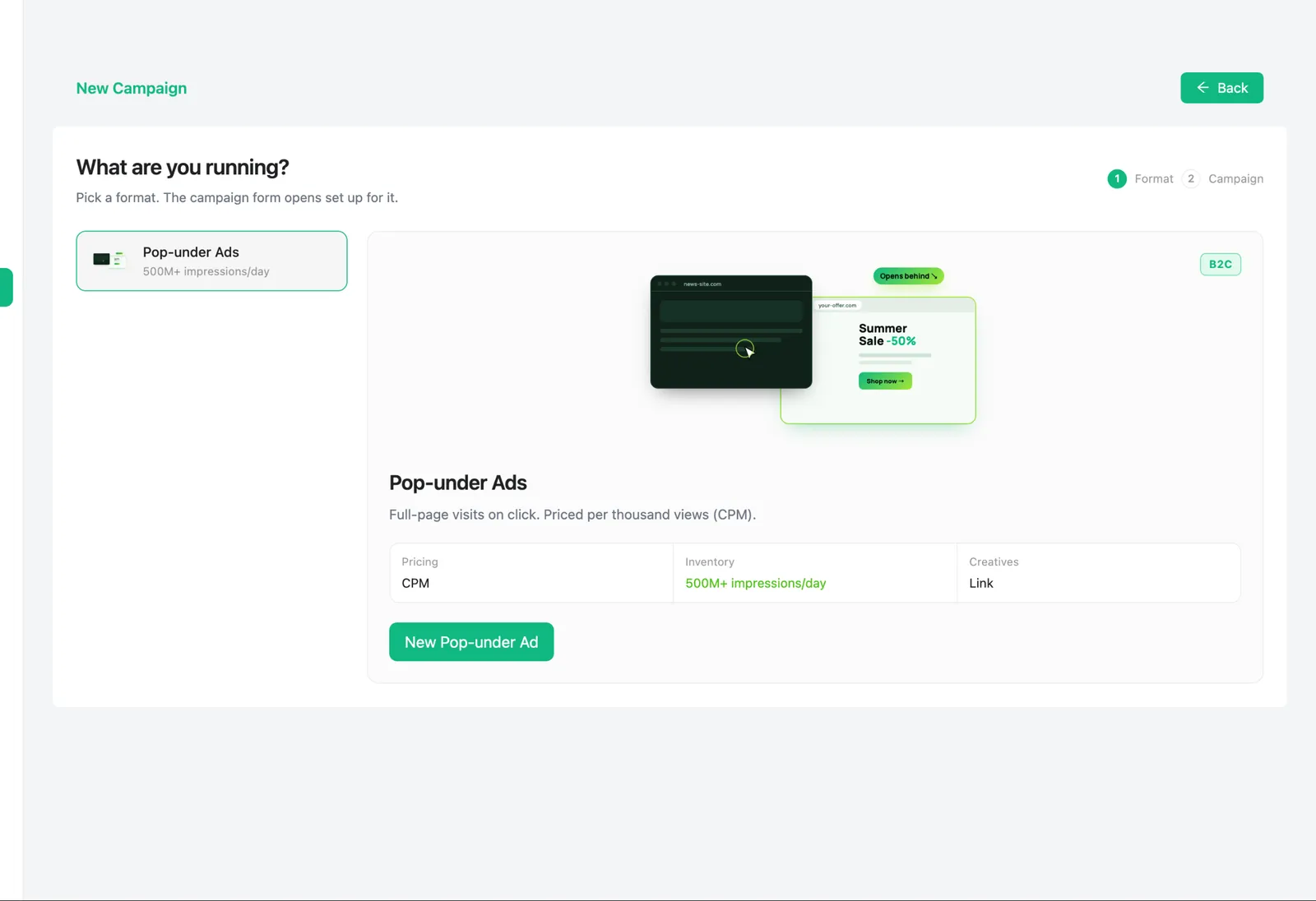
- Go to Campaigns → New Campaign and choose Pop-under Ads. You will see the live daily inventory before you start.
- Give the campaign a clear name, for example VPN · US · Desktop · CPM.
- Add your creative: for Pop-Under this is simply your landing page URL. Use your tracker macros so clicks and conversions are attributed.
5. Choose pricing and budget
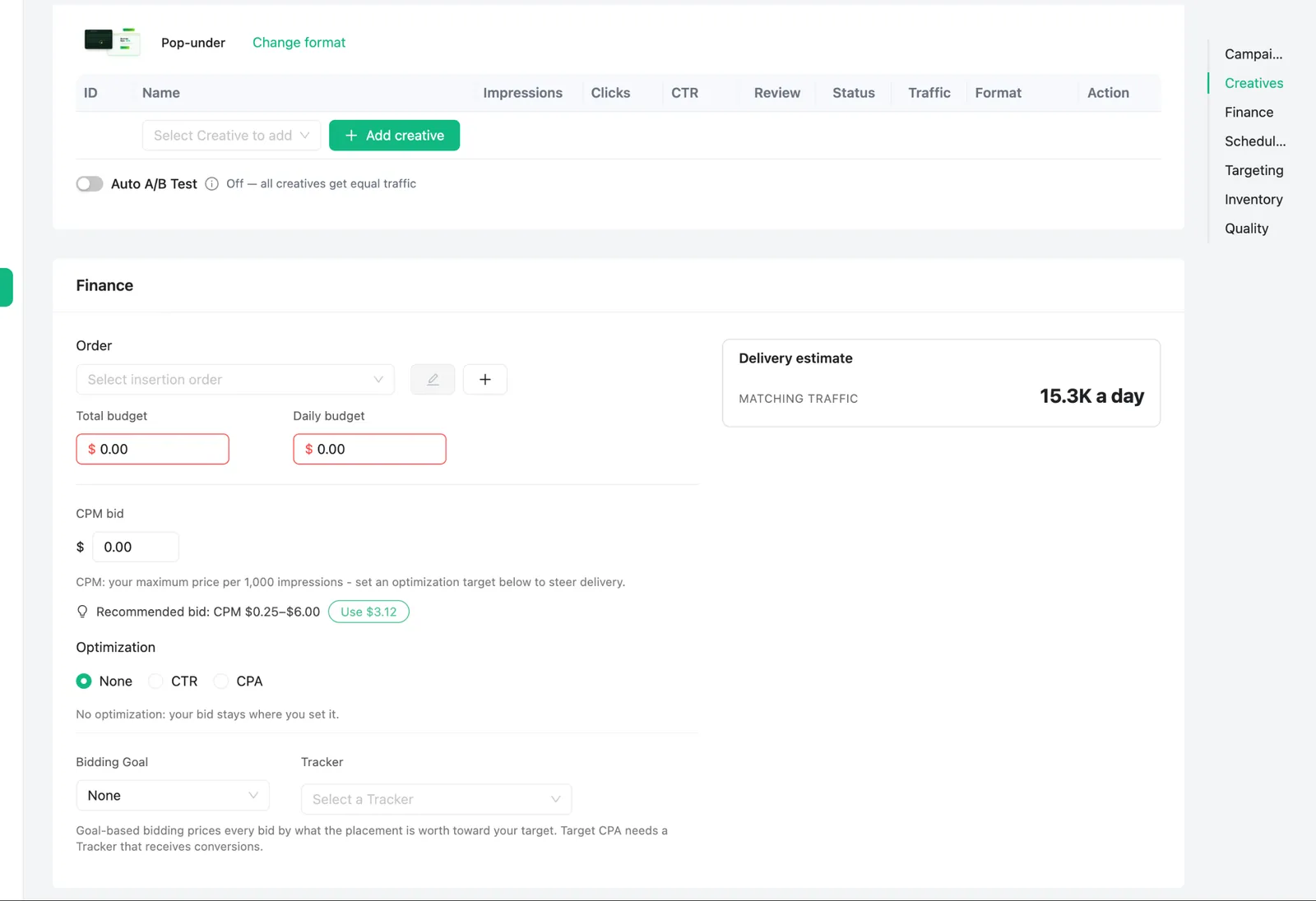
- Pricing model: CPM (per 1,000 visits), CPC (per click) or CPV (per view).
- Bid type: Smart (auto-priced for your goal), Bid (your max price) or Fixed (exactly your price).
- Budget: set a daily budget, plus an optional total budget and max spend per hour.
Starting out? A daily budget of $20–$50 per country is usually enough to collect useful data in a day or two.
6. Target your audience
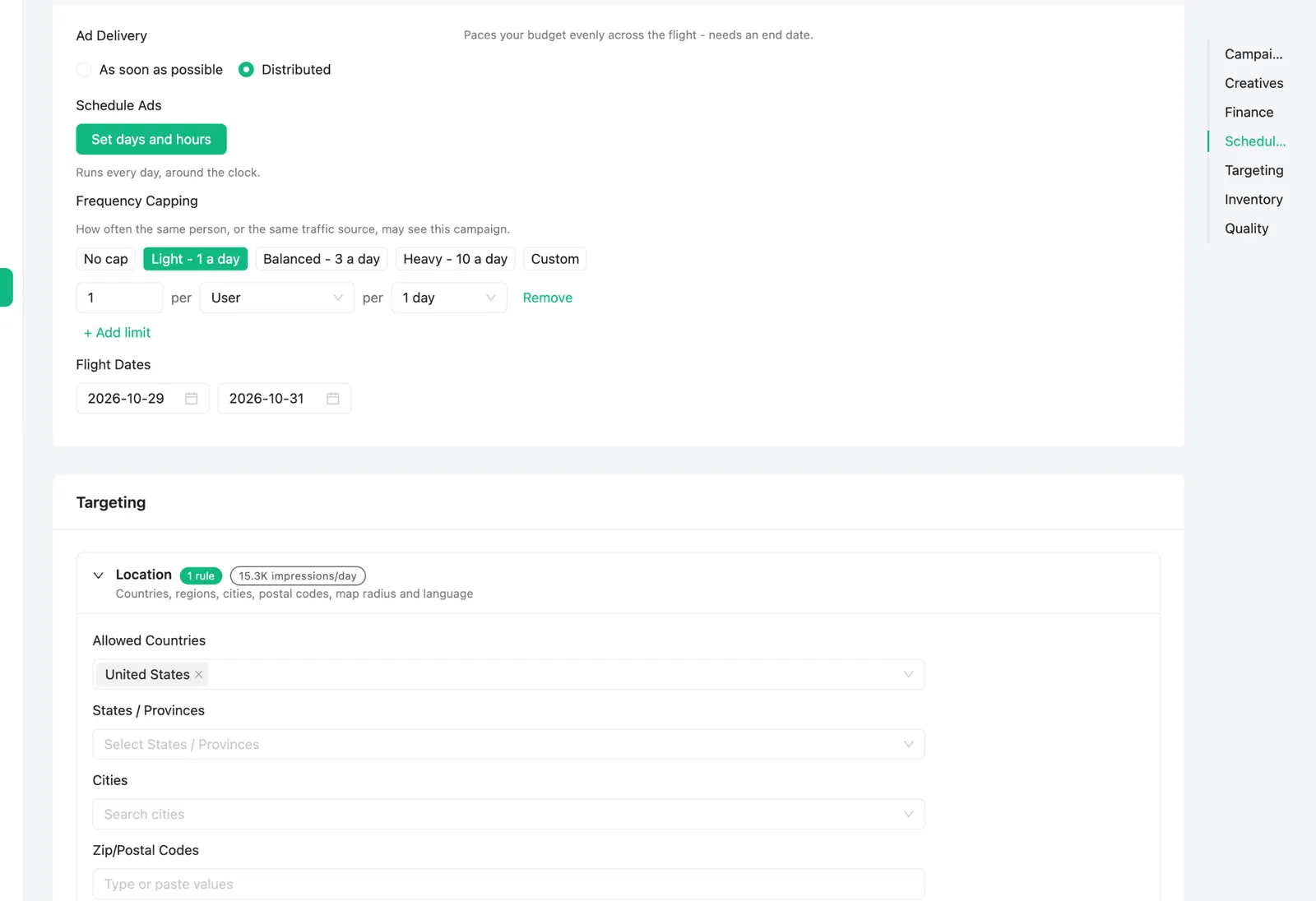
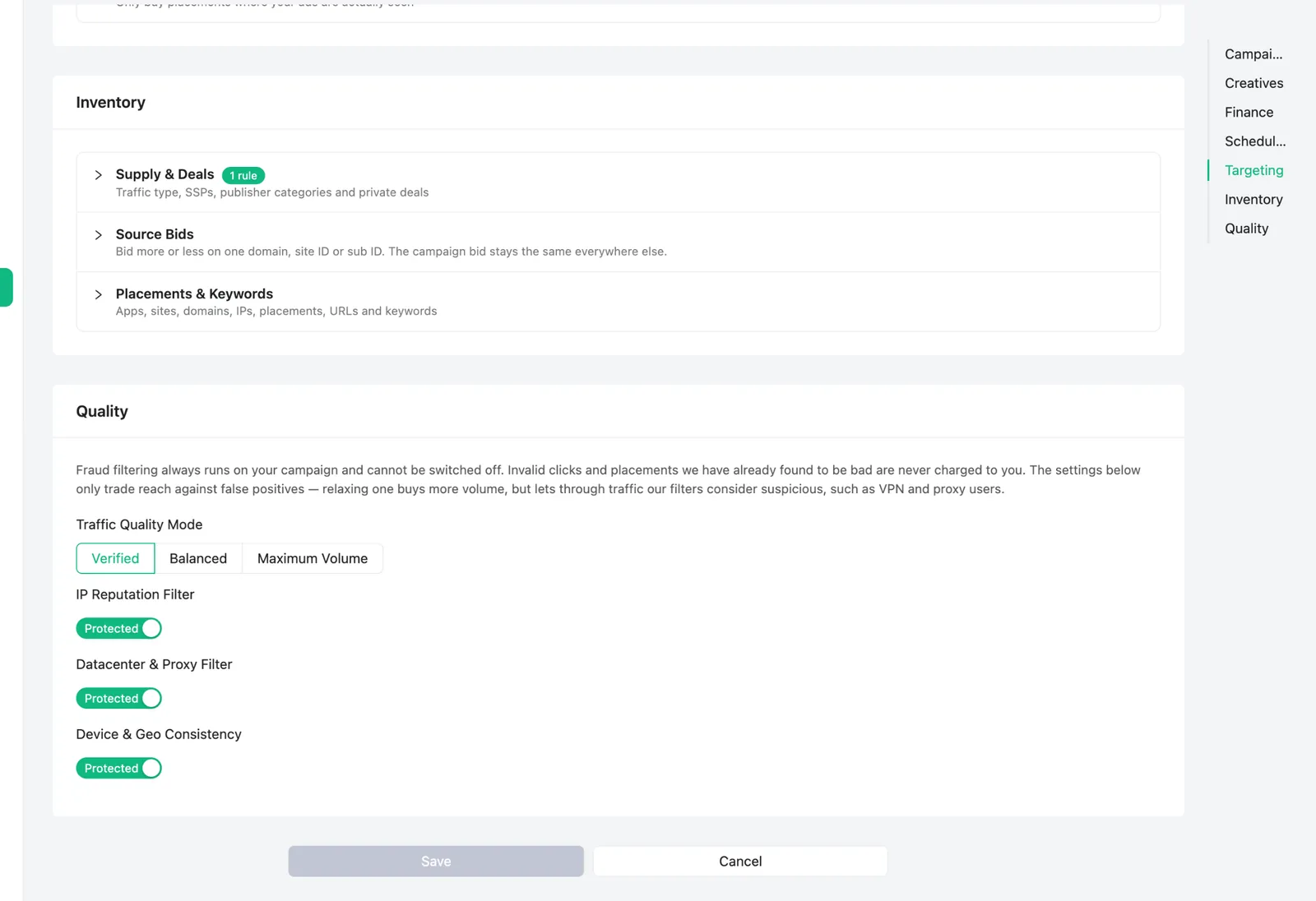
Pick countries and regions, device type, OS, browser, connection type and language. Use dayparting to run only at your best hours and a frequency cap to avoid showing the same visitor your page too often. Start broad, then narrow down using your reports.
7. Turn on AI optimization
Switch on AI Optimization and choose a goal: Max profit, Find converting sources, Max traffic, Target CPA or Target ROAS. The AI blocks weak sources, adjusts bids and pauses losing GEOs, and the What AI did panel shows every change.
8. Launch and review
Save the campaign. Your landing page is reviewed and scanned, and most campaigns go live within minutes. Check the Advertiser Guidelines first to avoid rejections.
9. Optimize
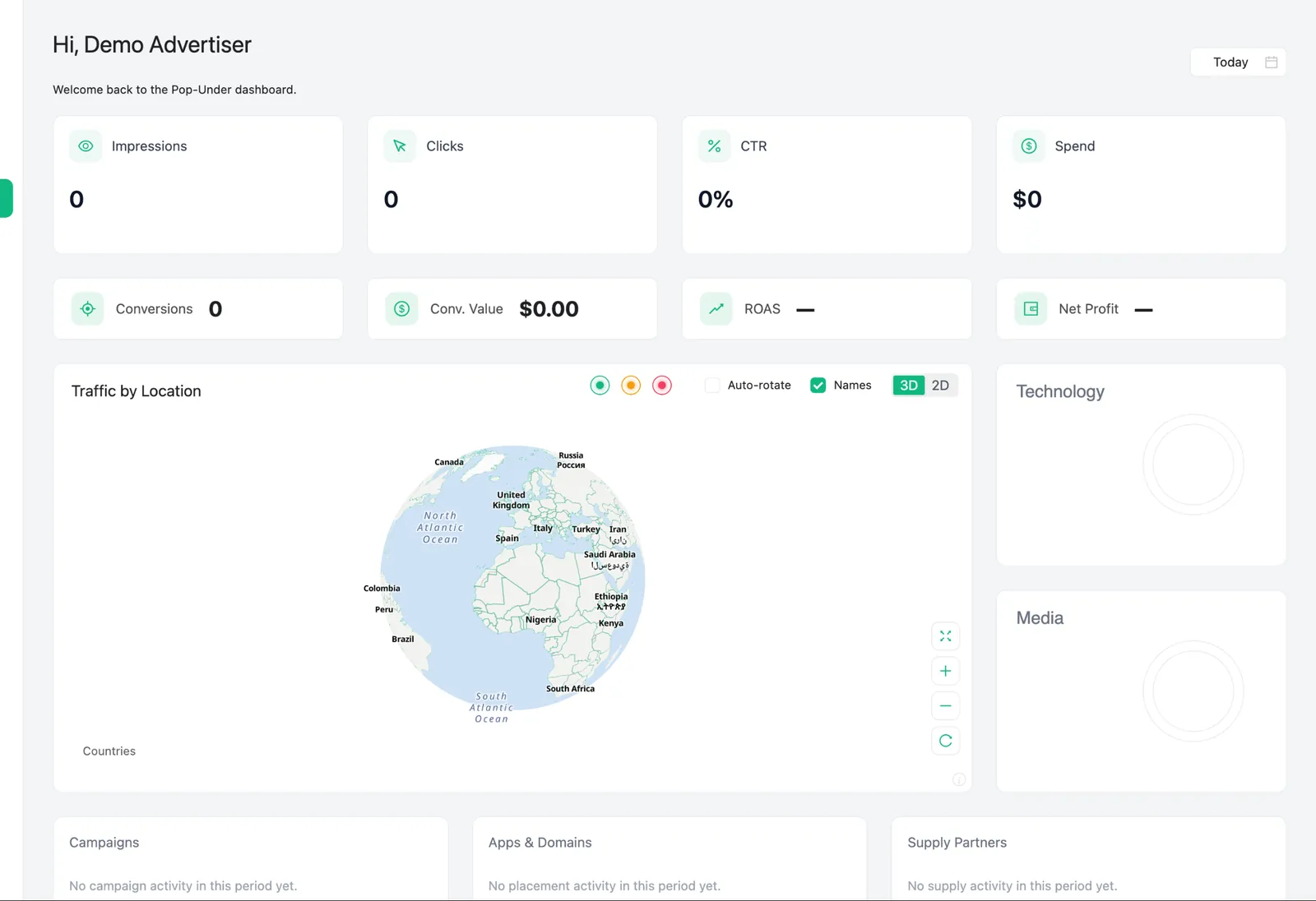
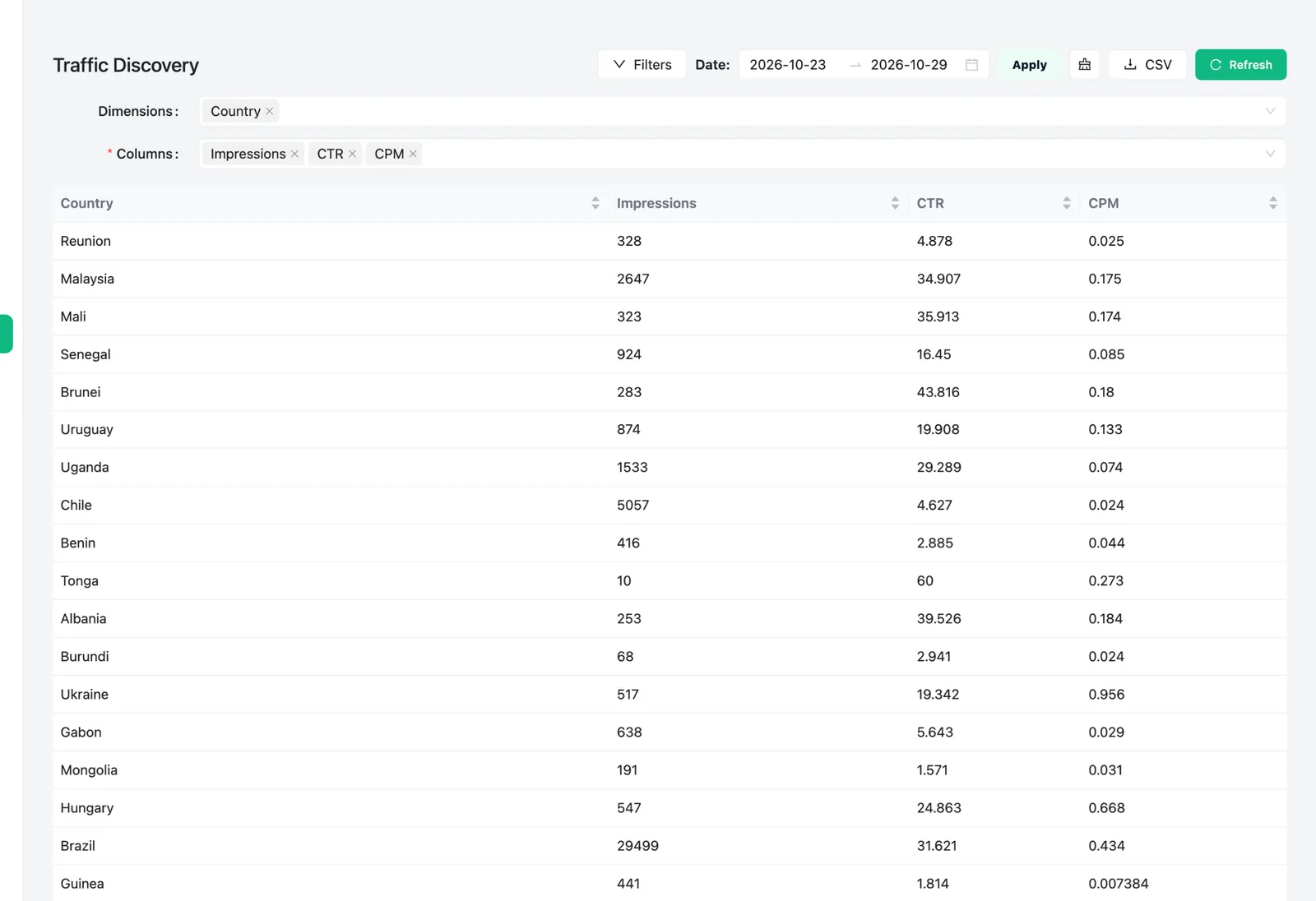
- After the first day, open the placement report and block placements that spend without converting.
- Raise bids on sources with the best conversion rate or ROAS.
- Add automated rules, for example: pause a placement after $5 spend with zero conversions.
- Test two or three landing pages and keep the winner.
Need help?
Our team is happy to review your setup. Contact us any time.
Your next visitor is one pop away.
Create your account, pick CPM, CPC or CPV, switch on AI optimization and get your first Pop-Under visitors today.
Start now — free to sign up →